

Real estate video script generator
Real estate video script generator
Generate a hook, voiceover, shot list, and caption for a property video. Output follows your site language.
Tip: Include facts you can verify (beds/baths, standout features, neighborhood highlights you’re allowed to claim, CTA). Avoid personal/demographic targeting.
Scripts are AI-generated for inspiration only. Review for accuracy, fair housing, and brokerage/MLS advertising rules before publishing.
Paste your listing facts and generate a ready-to-read script you can film today: hook, voiceover, on-screen text, and a simple shot list.
This tool is pure text: it does not generate video files. Use it to plan your footage and narration, then record with your phone or camera.
Turn scripts into polished tours
A great script is the start—TourEstateAI helps you turn listing media into consistent, shareable video tours that win attention.
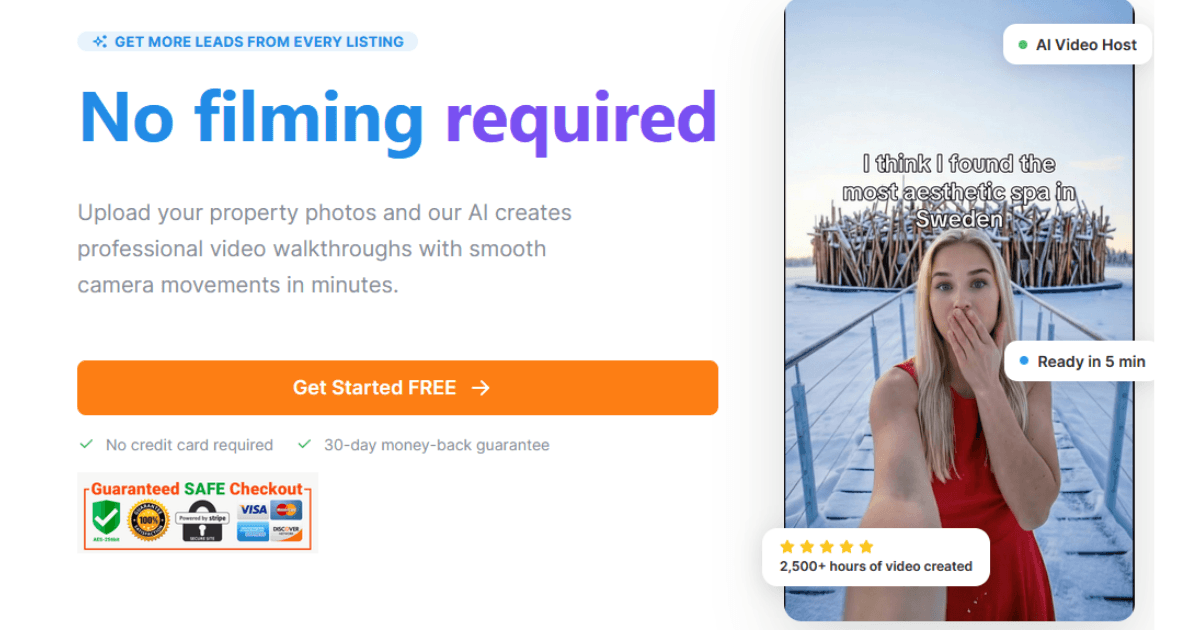
Short-form property videos work best when they’re structured: a fast hook, a clear walkthrough, and a call to action. This generator creates a clean first draft you can customize to match your listing and brand voice.
To keep outputs accurate and compliant, the model is instructed to use only the facts you provide. Always review for brokerage rules, fair housing, and MLS advertising requirements.
Tip: Include objective features (beds/baths, upgrades, layout highlights), permitted neighborhood notes, and the action you want viewers to take (book a viewing, DM, call, open house).
FAQ
What does this tool generate?
It generates six text blocks: a hook, voiceover script, on-screen text suggestions, a shot list, a caption, and hashtags. You can copy/paste each section.
Is this tool free to use?
Yes. The tool runs without sign-in for now. To protect infrastructure, rate limits may apply.
Does it generate video files?
No—this is a text-only script generator. You record footage yourself (phone, gimbal, drone, etc.) and read the voiceover or use it as a guide.
How do I get better results?
Paste specific, verifiable details: beds/baths, standout upgrades, layout notes, parking, outdoor space, open house time, and your CTA. Avoid vague claims like “best neighborhood” unless you can substantiate them.
Can I use it for TikTok, Reels, and Shorts?
Yes. Choose the short-form platform option to get a tighter hook and faster pacing suitable for vertical social video.
Can I use it for YouTube walkthroughs?
Yes. Choose the YouTube long-form option for a more structured walkthrough that you can still repurpose into shorter clips later.
What about fair housing compliance?
You are responsible for compliance. Avoid language that targets, excludes, or implies preference for protected classes. Stick to property features and objective information.
Will it invent facts about the property?
It is instructed not to, but you should still review. If you provide limited details, outputs may be generic. Add facts you can verify to keep the script accurate.
Can I add my brand voice or brokerage rules?
Yes—include your style notes in the listing details (e.g., “keep it luxury, no emojis, mention brokerage name, include license line”). The output tone selector helps too.
What should I film for the shot list?
Start with exterior/approach, then your strongest interior moments (living room, kitchen, primary suite), plus any standout features (view, backyard, amenities). End with a CTA shot (front door, balcony, neighborhood scene).
Can I reuse the script across listings?
Use it as a template, but customize for each property. Reused scripts feel generic and can create compliance risk if they imply features not present.