

Real estate headshot maker
Real estate headshot maker
Upload a clear face photo and generate a polished, real-estate-ready headshot with a chosen pose. No sign-in required.
Upload a clear face photo
Drag a face photo here
Tip: Use a well-lit, front-facing photo with your face clearly visible. Avoid sunglasses, heavy filters, and group photos.
Headshots are AI-generated for inspiration only. Review for accuracy and professionalism before publishing. Avoid using headshots that misrepresent you.
A strong headshot improves first impressions across listing presentations, buyer consults, email signatures, and social profiles. Upload a clear face photo and pick a pose to generate a polished, professional look.
This tool is designed for real estate professionals who want a consistent, modern headshot without scheduling a full photoshoot for every refresh.
Pair your headshot with listing media
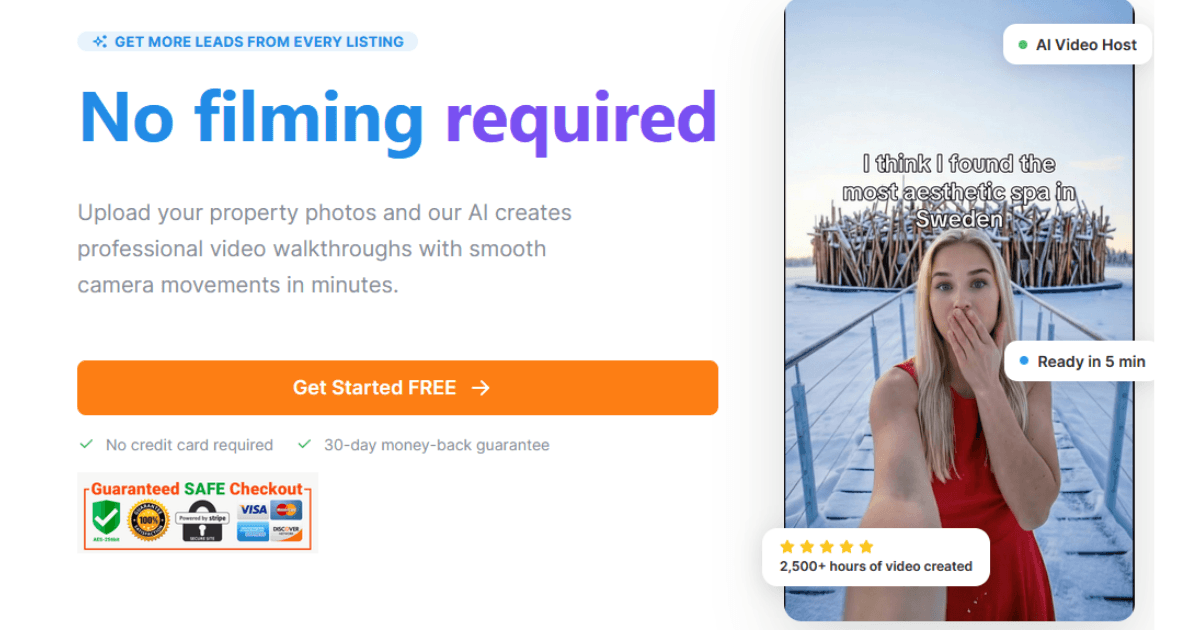
When you’re ready, TourEstateAI helps you turn listing media into consistent, shareable video tours—so your personal brand and your listings both look premium.
Headshots are one of the highest-ROI assets in real estate marketing: they show up in portals, Google Business Profiles, MLS contact cards, team pages, and every email you send. A clean, professional image increases trust, recall, and click-through—especially when prospects are comparing multiple agents.
This headshot maker focuses on a few practical pose options (straight on, slight angle, head tilt, candid, leaning in) to match common real-estate brand styles—from corporate brokerages to modern personal brands.
For best results, upload a well-lit photo where your face is clearly visible. Avoid sunglasses, heavy filters, group photos, and extreme angles.
FAQ
Why does a headshot matter in real estate?
Because you are part of the product: sellers and buyers choose who they trust. A high-quality headshot improves first impressions across listings, portals, email, and social—often before you ever speak to a lead.
What kind of input photo should I use?
Use a clear, well-lit face photo with minimal blur. Front-facing photos work best. Avoid sunglasses, strong shadows, group photos, and heavy beauty filters.
Which pose should I choose?
Straight-on is the safest default. Slight angle can feel more dynamic. Head tilt and leaning in often feel warmer. Candid can work for modern, social-first branding.
Is this free and private?
The tool is free to use without sign-in. To generate a headshot, your image is processed on the server; avoid uploading sensitive images you don’t want processed. Rate limits apply.
Can I use this headshot on LinkedIn and my brokerage profile?
Yes—just ensure it accurately represents you and complies with brokerage branding rules. Always choose a headshot that you’d be comfortable using in professional contexts.
Does it change my identity?
It is intended to preserve your identity and improve presentation quality (lighting, background, polish). If the output looks unlike you, regenerate or use a different input photo.